Everything ChildLink does
One calendar, two homes, and a toolkit that keeps co-parenting calm. Here is the full tour: jump to whatever matters most to your family.
Shared calendar
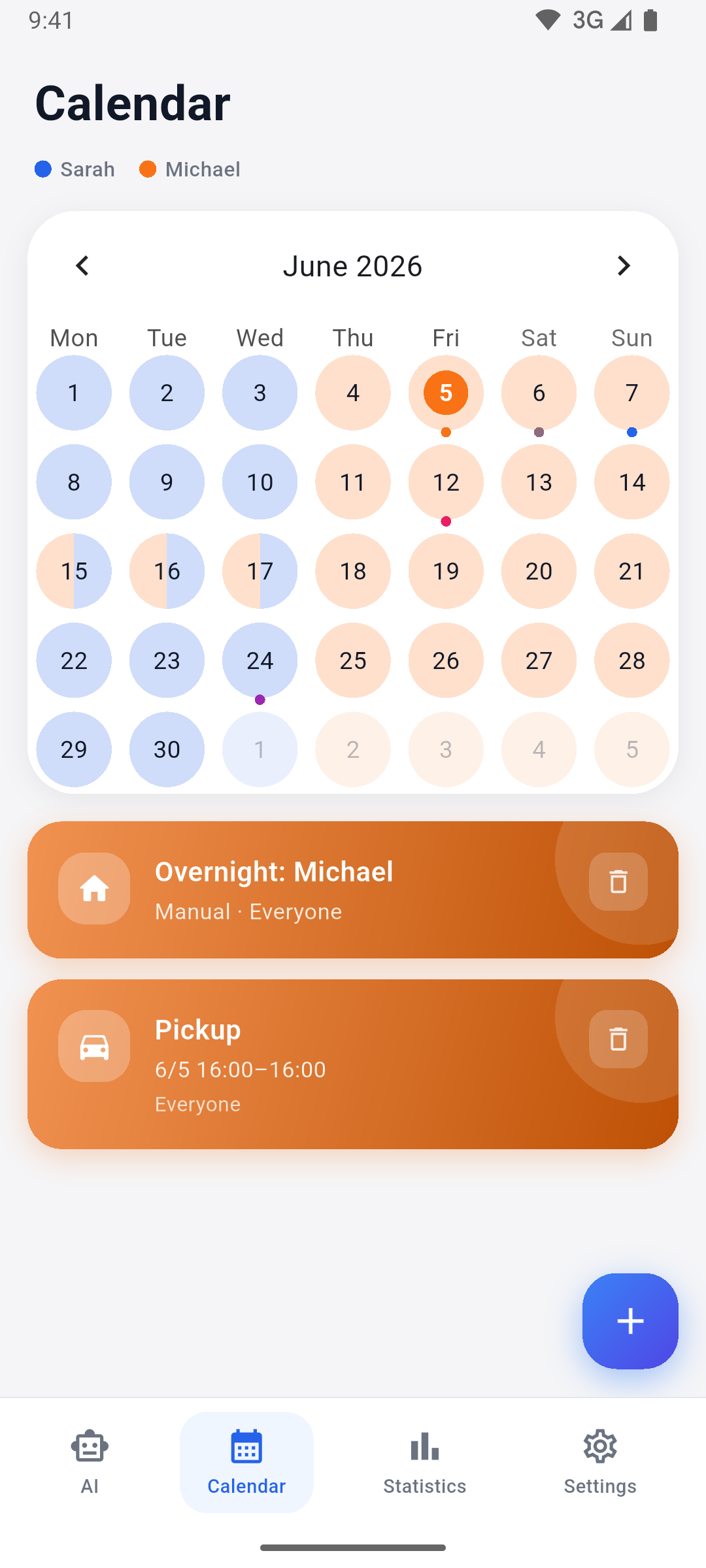
One calendar both homes can trust. Every overnight stay, pickup, drop-off and activity lives in a single place, colour-coded by parent so a single glance tells you who has the kids.
- Colour-coded by parent: instantly see whose day it is
- Entry types for overnight stays, pickups, drop-offs and activities
- Add several children to a single entry
- Birthdays and name-days marked automatically
- Switch between day and week views
- Override any day without touching your recurring pattern
Custody patterns
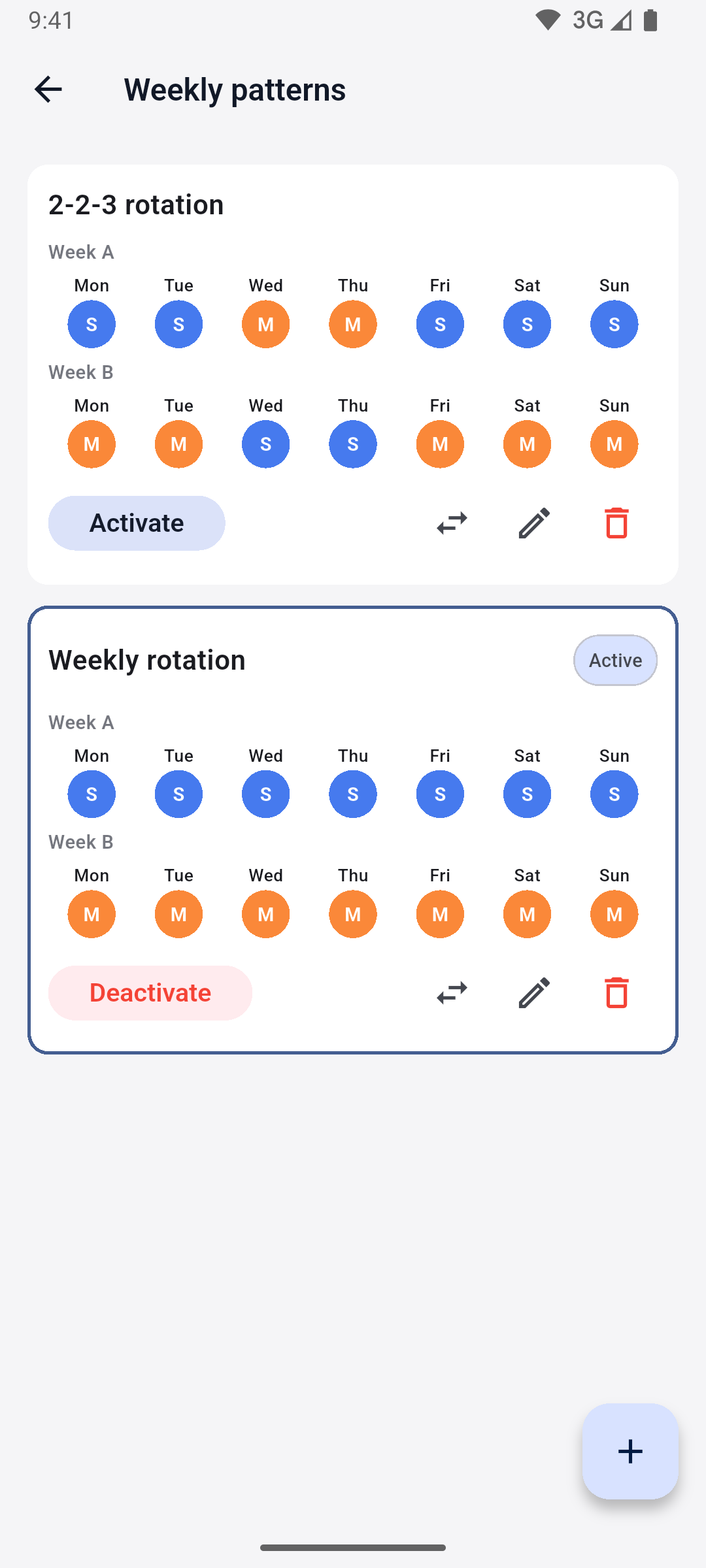
Set your rhythm once and let ChildLink keep the calendar full. Patterns turn a repeating arrangement into a calendar you never have to rebuild by hand.
- Weekly or alternating-week templates
- Auto-fills the calendar as far ahead as you need
- Per-day overrides for holidays, swaps and one-offs
- Adjust the pattern over time as your arrangement evolves
- Overrides never break the underlying rhythm
AI assistant
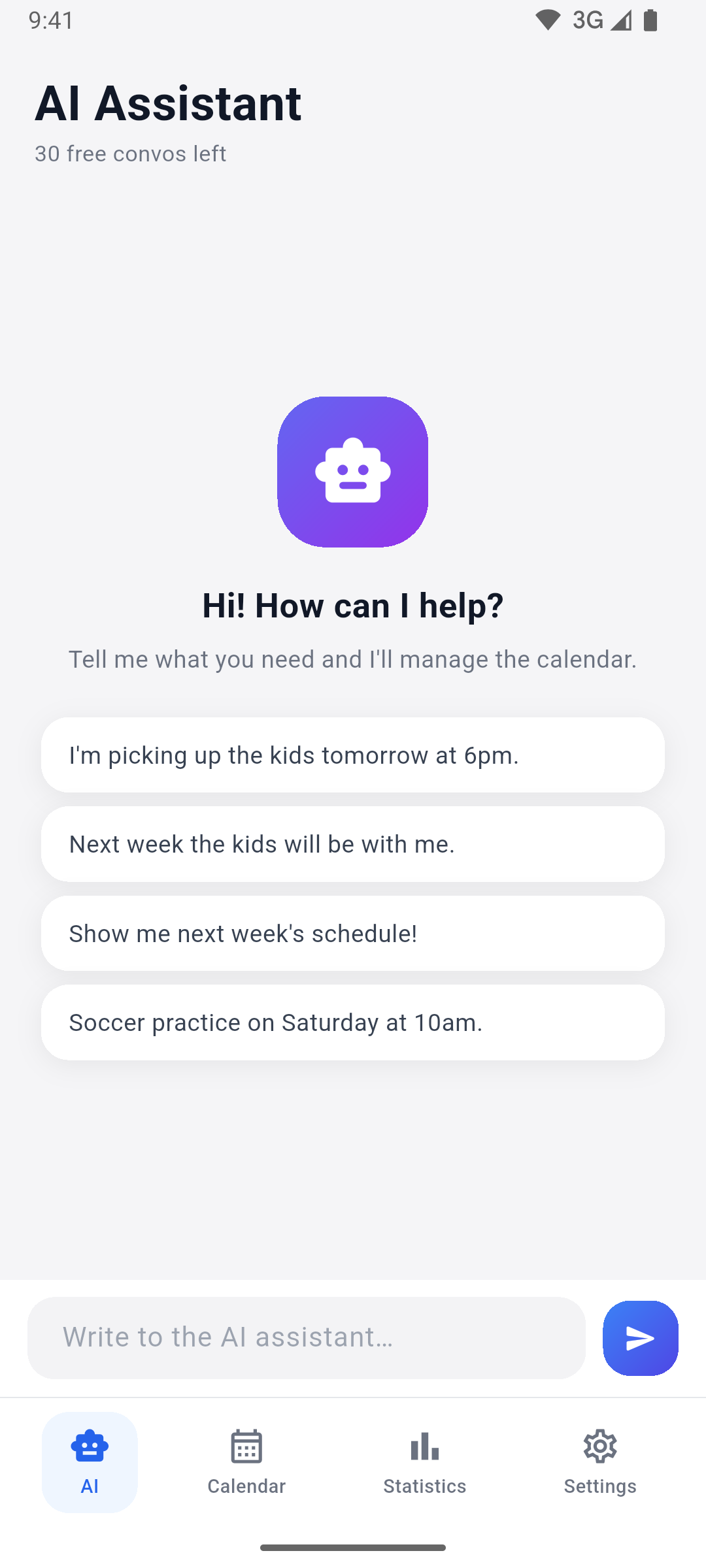
Describe the change in a sentence and the assistant does the rest, creating entries and whole custody patterns from plain language, in any language you type.
- Natural-language entry and pattern creation
- Understands and replies in any language you write in
- Reads dates like “next Tuesday” and “every other week”
- Free monthly conversations on every plan, with top-ups when you need more
- 1 / month on Free, 10 on Premium, 30 on Family
Custody statistics
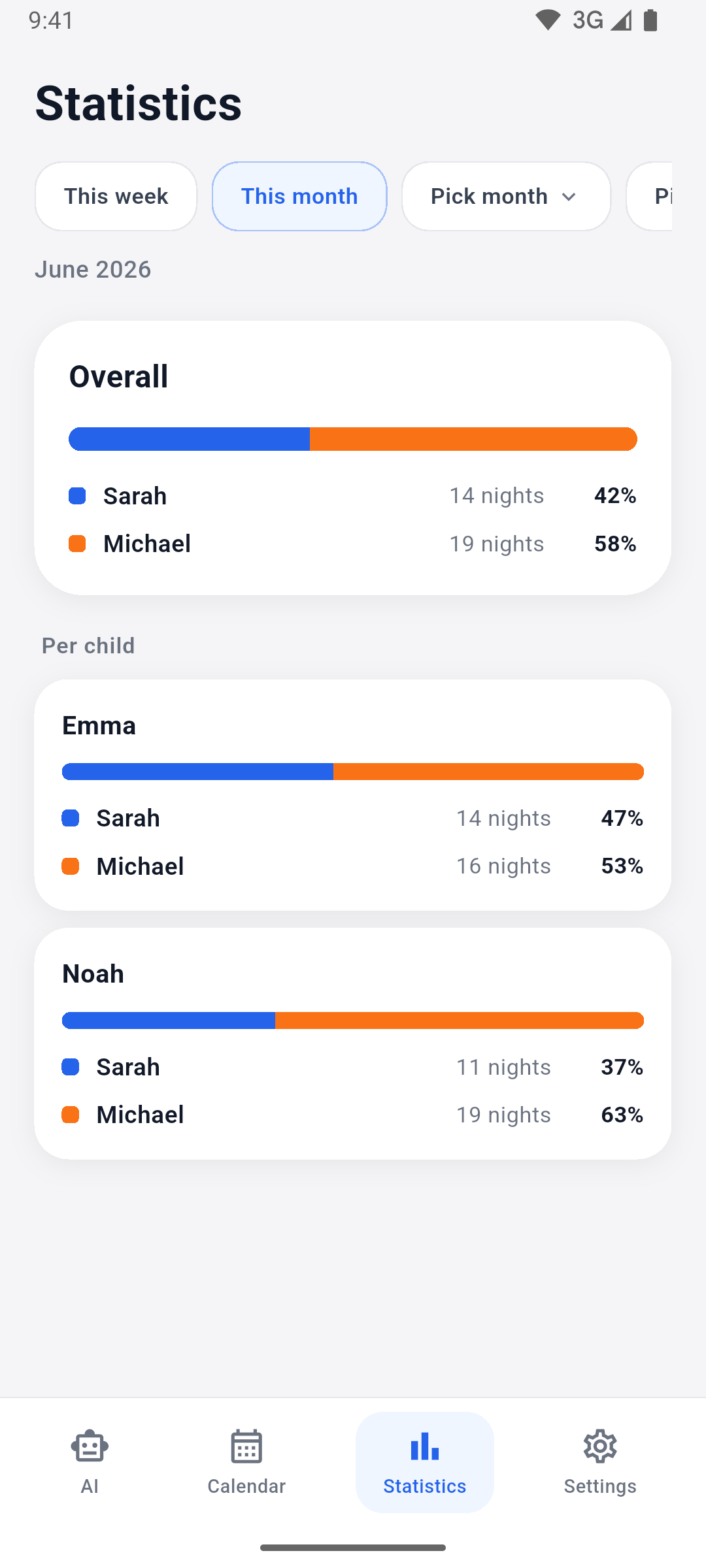
Turn the calendar into clear numbers. See how custody time actually splits between parents and across each child: no spreadsheets, no guesswork.
- Overnight split per parent
- Per-child breakdown
- Choose any range: a week, a month or the whole year
- Available on every plan, including Free
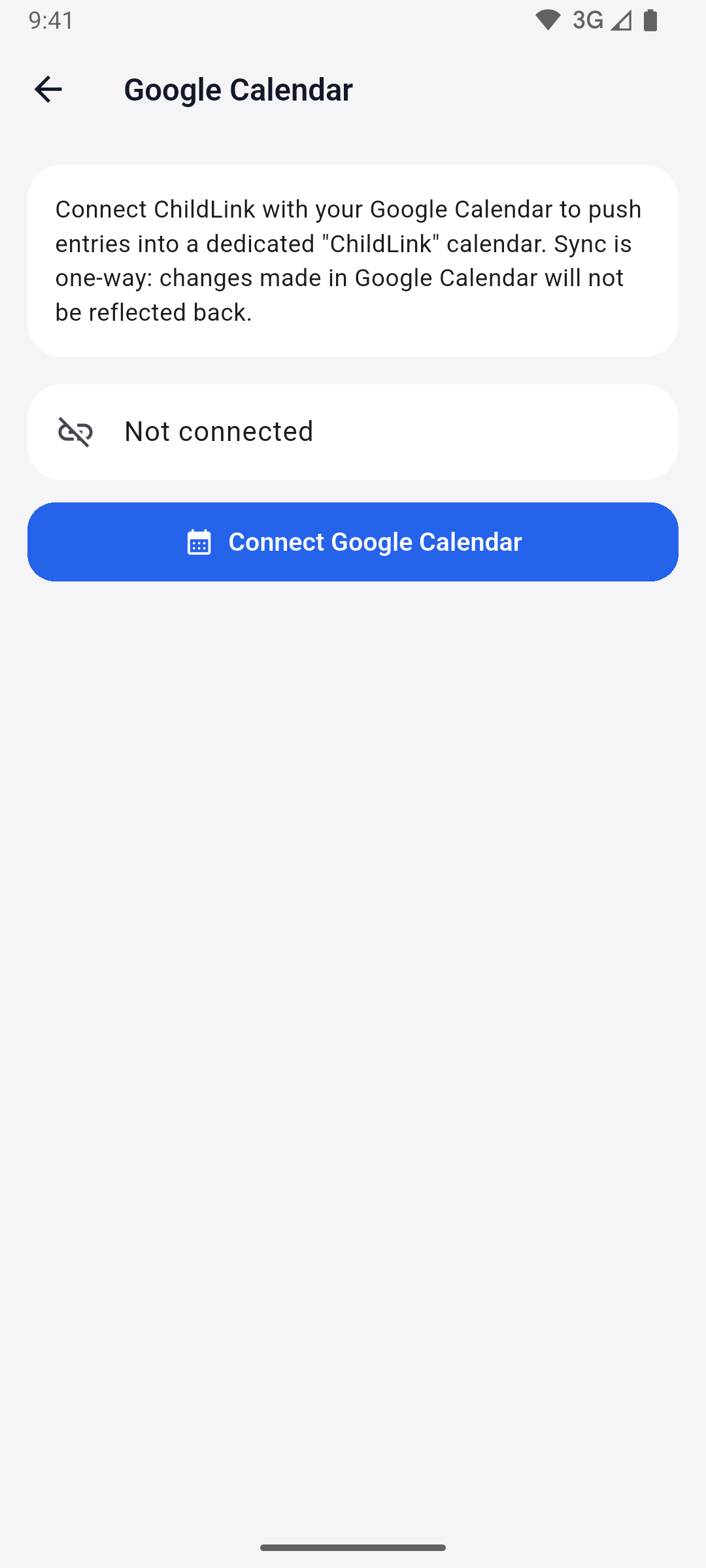
Google Calendar sync
Bring the shared schedule into the calendar you already check. ChildLink creates a dedicated calendar in your Google account and keeps it in step.
- A dedicated “ChildLink” calendar in your Google account
- Handovers and activities appear alongside the rest of your day
- Available on the Premium plan
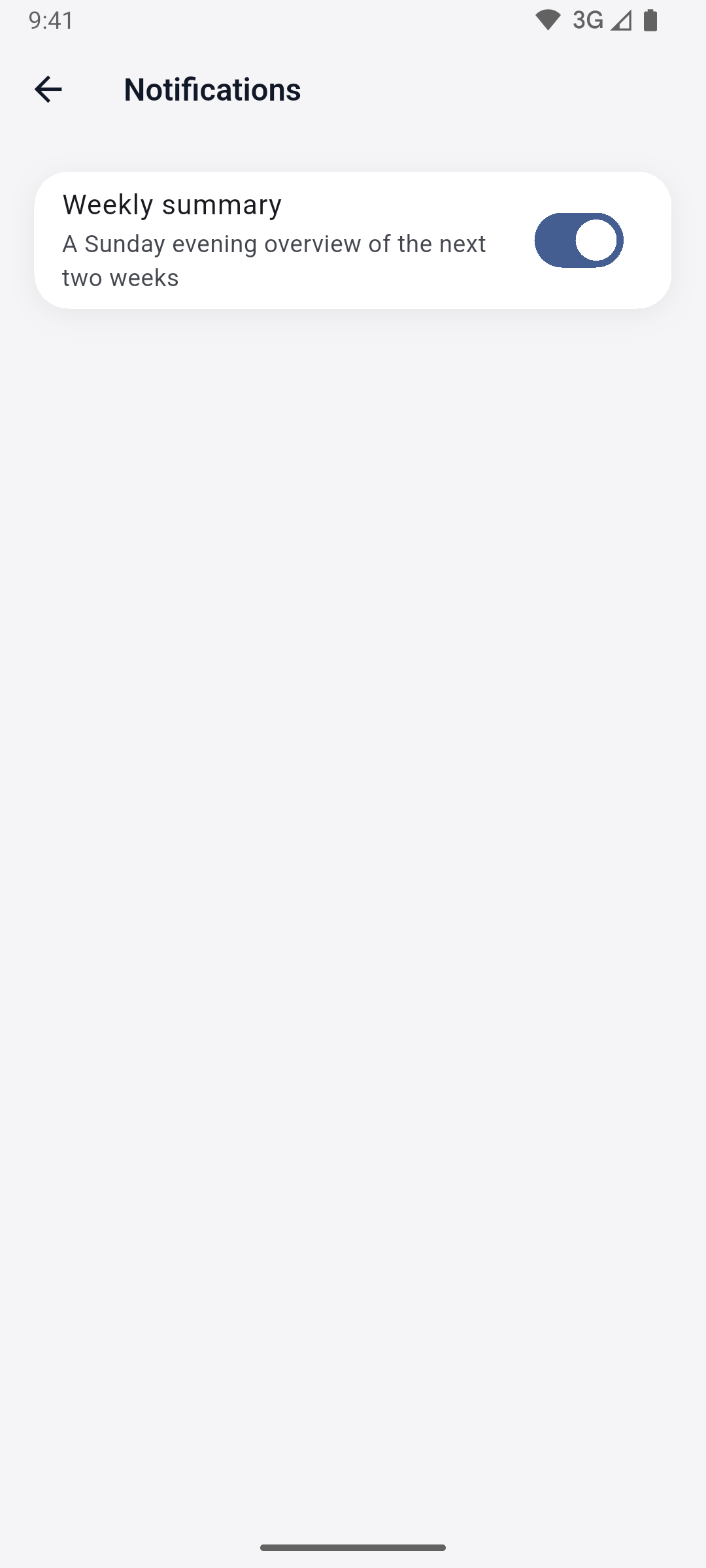
Smart reminders
Never be caught off guard by a handover. ChildLink nudges you ahead of every change and sums up the week to come.
- Reminders at the event, or 5, 10 or 30 minutes (or 1 or 2 hours) before
- Optional weekly digest of what’s coming up
- Delivered to whichever device you carry, in your language
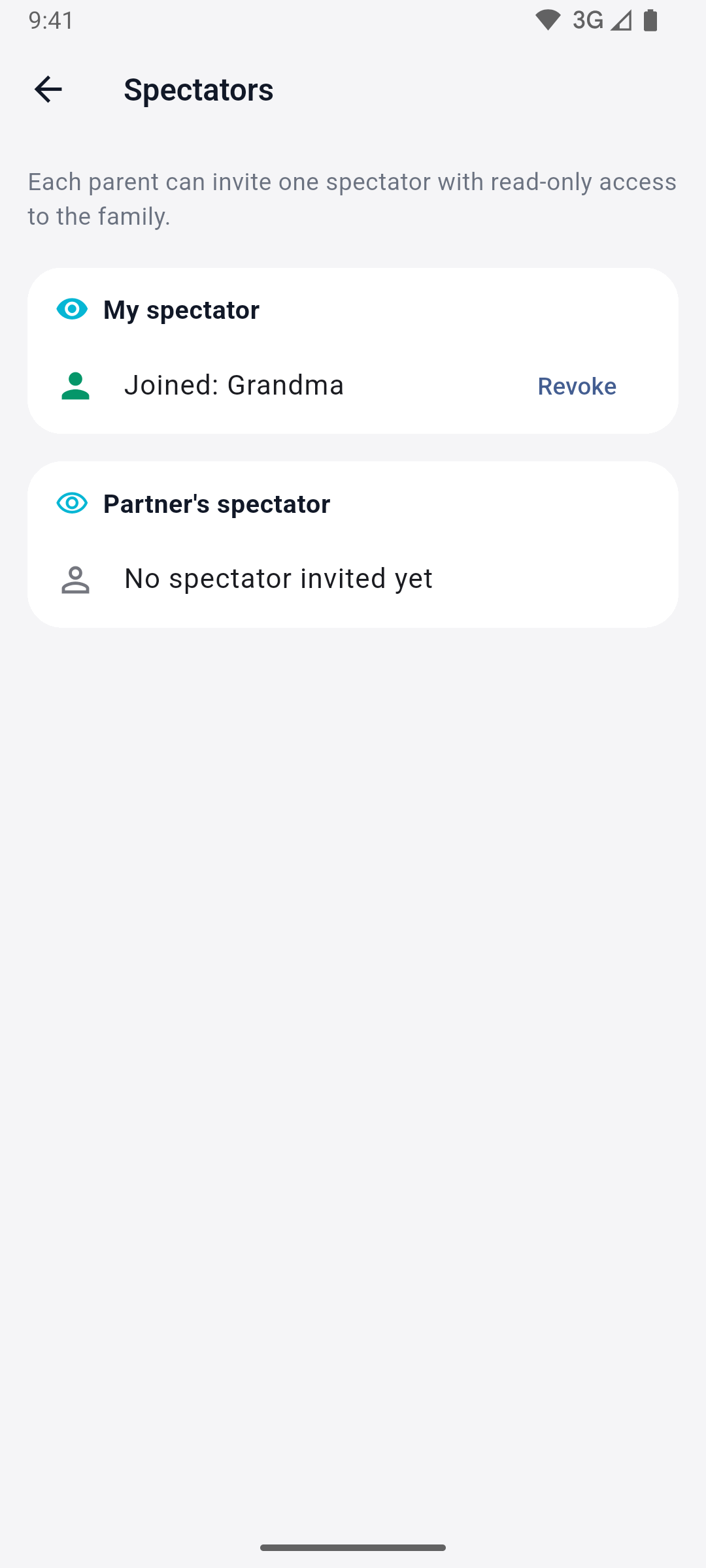
Family & spectators
Co-parenting rarely stops at two people. Invite the other parent in seconds, and bring trusted helpers into the loop without handing over control.
- Invite the second parent with a simple 8-character code
- Add grandparents or a caregiver as read-only spectators (Family plan, up to two)
- Spectators see the schedule live, but not chat, billing or the audit log
- Up to two parents per family
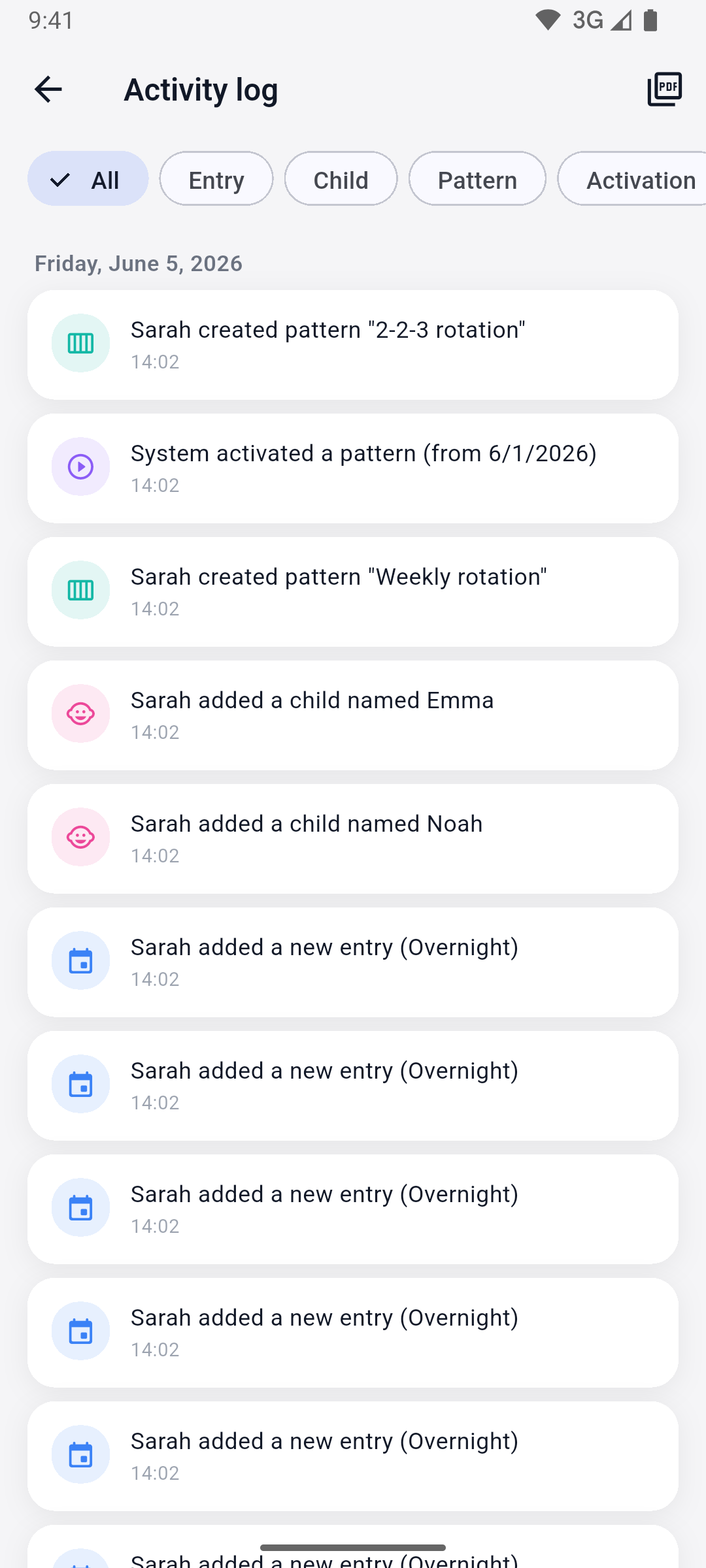
Audit log
A clear, shared record of what changed and when. The audit log gives both parents a transparent, tamper-proof history they can rely on.
- Tracks entries, children, patterns, activations and subscription changes
- Written server-side, so it can’t be quietly edited
- Export to PDF to share whenever you need to
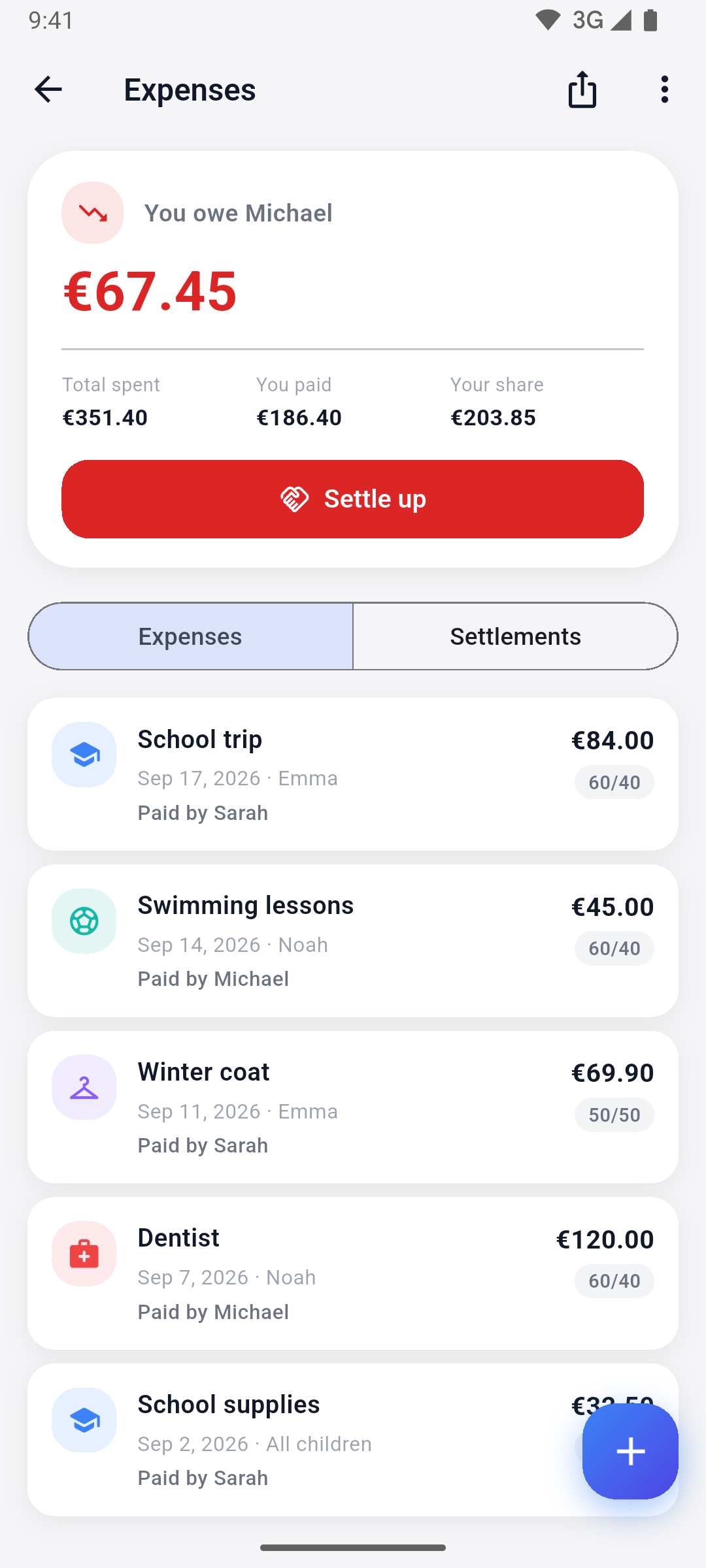
Cost sharing
Split child-related costs without a spreadsheet. Record what each of you paid, choose how it divides, and ChildLink keeps a running balance of who owes whom.
- Any split you agree on, not just 50/50
- Attach a photo or a PDF invoice to any expense
- A running balance per currency, always from your side
- Record a settlement when money actually changes hands
- Export a PDF statement for any period
Bring calm to your co-parenting
Download ChildLink and give both homes one shared, dependable schedule. Free to start.